Fifteen steps from your first handshake to a portable trust record.
Trusta helps two people record what they agreed. Both confirm it. Trusta creates a shared receipt — and that receipt becomes the unforgeable memory of the deal. Over time, completed receipts build a reputation that travels with you, and every person you bring on makes the community stronger.
Open the app and start- 01
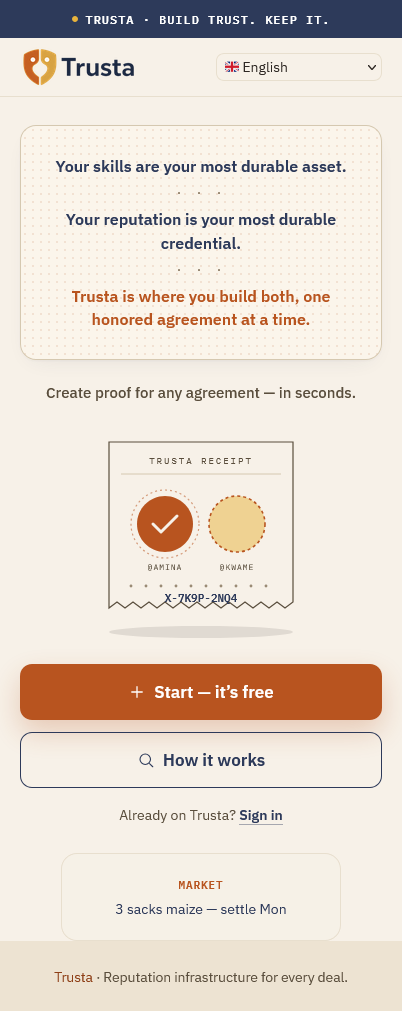
Create your Trusta handle
Your handle is how people find you on Trusta.
Every user gets a unique handle. People use your handle to find you, start an agreement, confirm a deal, and view your trust profile.
- 02
Find who you are dealing with
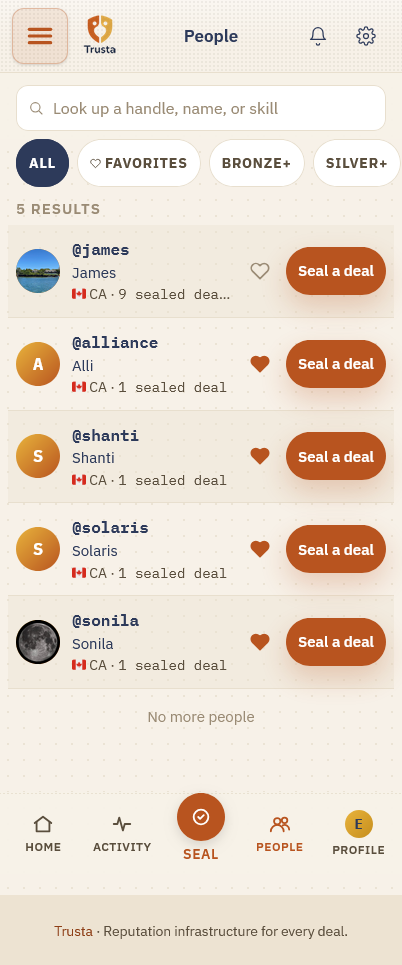
Search by handle, QR, contacts, or a shared link.
Before creating a record, find the person you are working with. If they are not on Trusta yet, send them an invite to confirm the deal — they join as your counterparty, and your circle grows. Your reputation is only as strong as the people who can vouch for you.
- 03
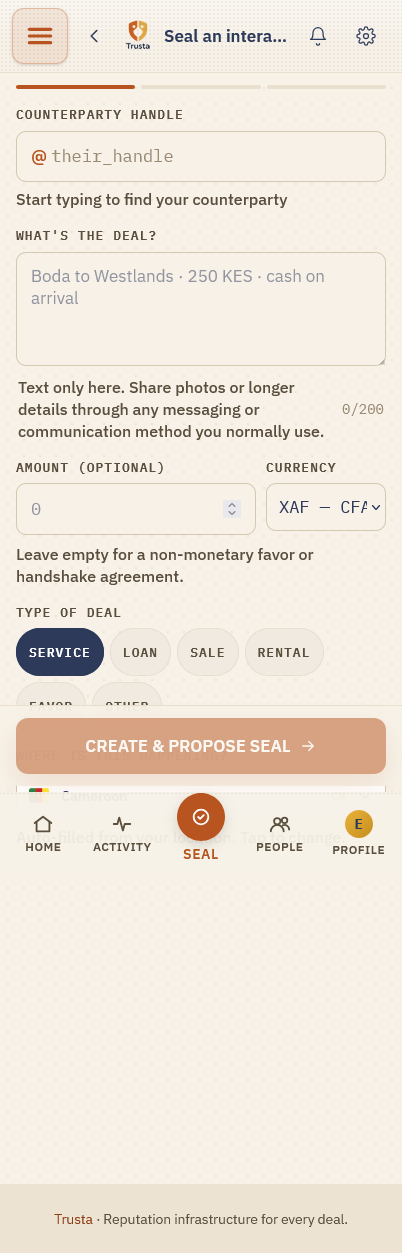
Write what was agreed
Add clear details. Keep it simple and specific.
A clear description protects both sides later. Include what is being done, who is involved, the amount if money matters, the date or deadline, and any important condition. A deal can happen in person or fully online — for online work, no location is needed.
- 04
Send it to the other person
Nothing is sealed until both sides confirm.
After writing the agreement, send it to the other person. They can accept, propose changes, or decline — so you can go back and forth in a clear thread until the terms are right for both of you. This protects both people.
- 05
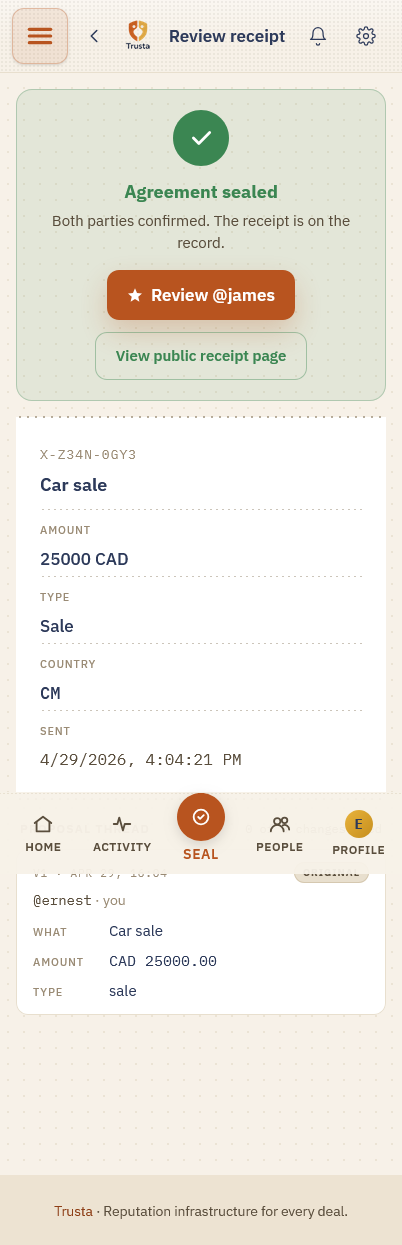
Both of you tap to seal
Each person taps to confirm. Then a shared receipt is created.
Once both sides confirm, the sealed receipt cannot be quietly changed by one person. This gives both people the same memory of what happened.
- 06
Complete the agreement
Mark it done when the work or transaction is finished.
Completion can mean any of these:
- 07
Rate each other fairly
Five trust signals build your reputation.
After completion, both people can rate the experience. Trusta uses five signals. Be honest. Be fair.
- 08
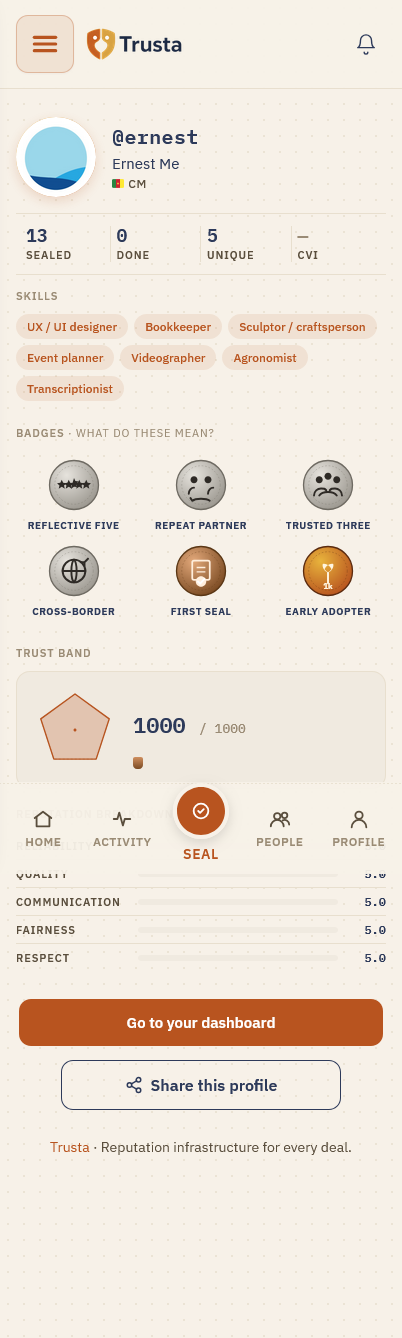
Build your trust record
Every completed agreement strengthens your reputation.
Your profile can show:
- 09
Share your proof
Show your reliability when it counts.
You can share your Trusta profile, a specific receipt, or your Trust Passport — a QR others can scan — whenever you need to show reliability. You control what you share.
- 10
Say thanks with XBN
XBN is a small token of appreciation you can gift after a good deal.
XBN is not a payment, and Trusta never pays you to use the app. It is simply a warm way to celebrate someone who did right by you. You never need it to build your reputation.
- 11
Invite people you trust
Trusta becomes more useful when more people use it.
Every person who joins through you can seal deals with you, vouch for your work, and make Trusta more useful for everyone. Bring the people you trust — your reputation grows with your circle.
- 12
Use Trusta safely
Trusta creates proof. It does not replace judgment.
Before sealing any agreement:
- 13
If something changes
Update the record. Both sides confirm the change.
Sometimes plans change. A deadline may move. A price may change. A delivery may be delayed. When this happens, request an update inside Trusta. Both sides should confirm the change so the record stays clear.
- 14
You control what you share
Trust does not require exposing everything.
Trusta should show enough information to build trust without exposing unnecessary private details. You can control:
- 15
Learn again anytime
The guide is always available.
Return to this guide whenever you need help. You can find it from your Profile, Help, Settings, agreement screens, and rewards screens. You can replay the full guide or jump to any topic.